GrowerIQ connects to external systems through integrations, allowing you to synchronise inventory, orders, invoices, and more with the tools your organisation already uses. Two types of integrations are available: pre-built integrations managed by the GrowerIQ team, and custom API integrations you provision and control yourself.
In this article
Pre-Built Integrations
Pre-built integrations are managed connections where the GrowerIQ team handles setup and configuration on your behalf. These integrations do not appear in the custom integration vendor dropdown.
Managed by GrowerIQ
Pre-built integrations are configured by the GrowerIQ team after you submit a setup request. You do not need to manage API credentials or webhooks for these connections.
WooCommerce
Automatic SKU and order synchronisation between GrowerIQ and your WooCommerce store. Product data is pushed to WooCommerce, and incoming orders are received back into GrowerIQ.
Shopify
Automatic SKU and order synchronisation between GrowerIQ and your Shopify store. Product data is pushed to Shopify, and incoming orders are received back into GrowerIQ.
QuickBooks Online
Automatic push of CRM account records and invoices from GrowerIQ to QuickBooks Online, keeping your accounting system up to date without manual data entry.
How to request a pre-built integration
- Navigate to Administration > Integrations.
- Click Set Up an Integration.
- Fill out the integration request form with your connection details.
- The GrowerIQ team will handle the rest of the configuration.
Quick turnaround
Most pre-built integrations are configured within one business day of receiving your request.
Custom API Integrations
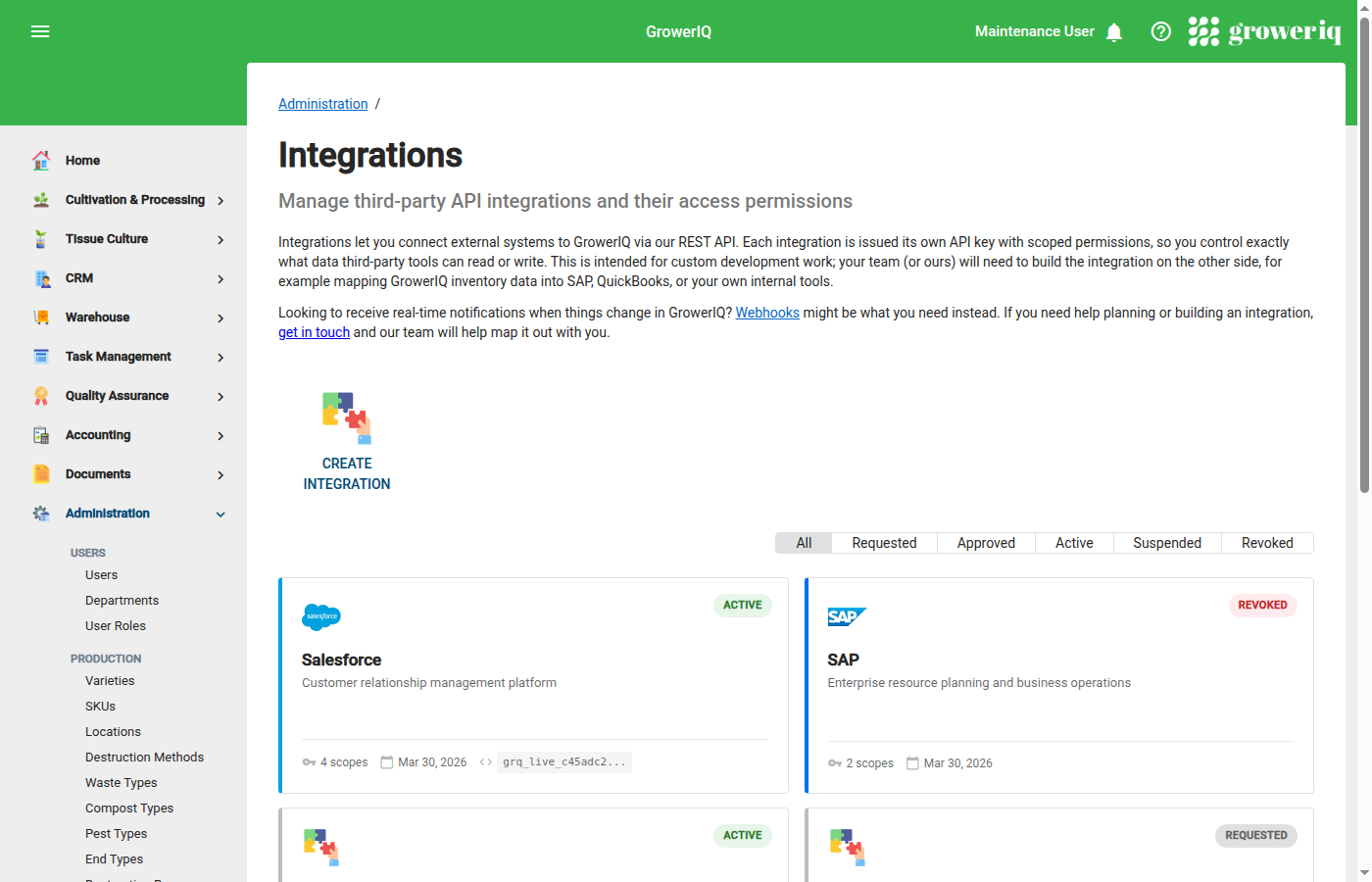
For ERP systems (SAP, Dynamics, NetSuite) or any custom system, use custom API integrations. These are self-service connections you provision directly through the admin UI.
Each custom integration receives its own set of API credentials with configurable permissions (scopes), so you control exactly what each external system can access. Outbound webhooks notify your external systems in real time when events occur in GrowerIQ.
Custom API integrations are built with SOC 2 compliance controls, including audit logging, credential hashing, and request tracing.
API Reference Portal
For API endpoint reference, authentication code samples, and payload schemas, refer to the GrowerIQ API Reference portal. Contact your Customer Success representative for access.
Security at a Glance
All integrations (both pre-built and custom) benefit from GrowerIQ's security controls:
- Dual-layer authentication using JWT token and API key
- Per-integration scopes following the principle of least privilege
- API keys stored as one-way hashes (never stored in plain text)
- All API calls logged with full request tracing
- Webhook payloads signed with HMAC-SHA256
- Optional IP allowlisting and configurable rate limits
Protect your API keys
API keys are shown only once at creation time. Store them securely in a secrets manager or password vault. If a key is lost or compromised, revoke it immediately and generate a new one.
In This Section
Explore each topic in detail: